

Registry app
The Registry app provides access to reusable components and circuit modules. Use it to inspect package contents, trace dependencies, or prepare a package change in a sandbox.Browse packages
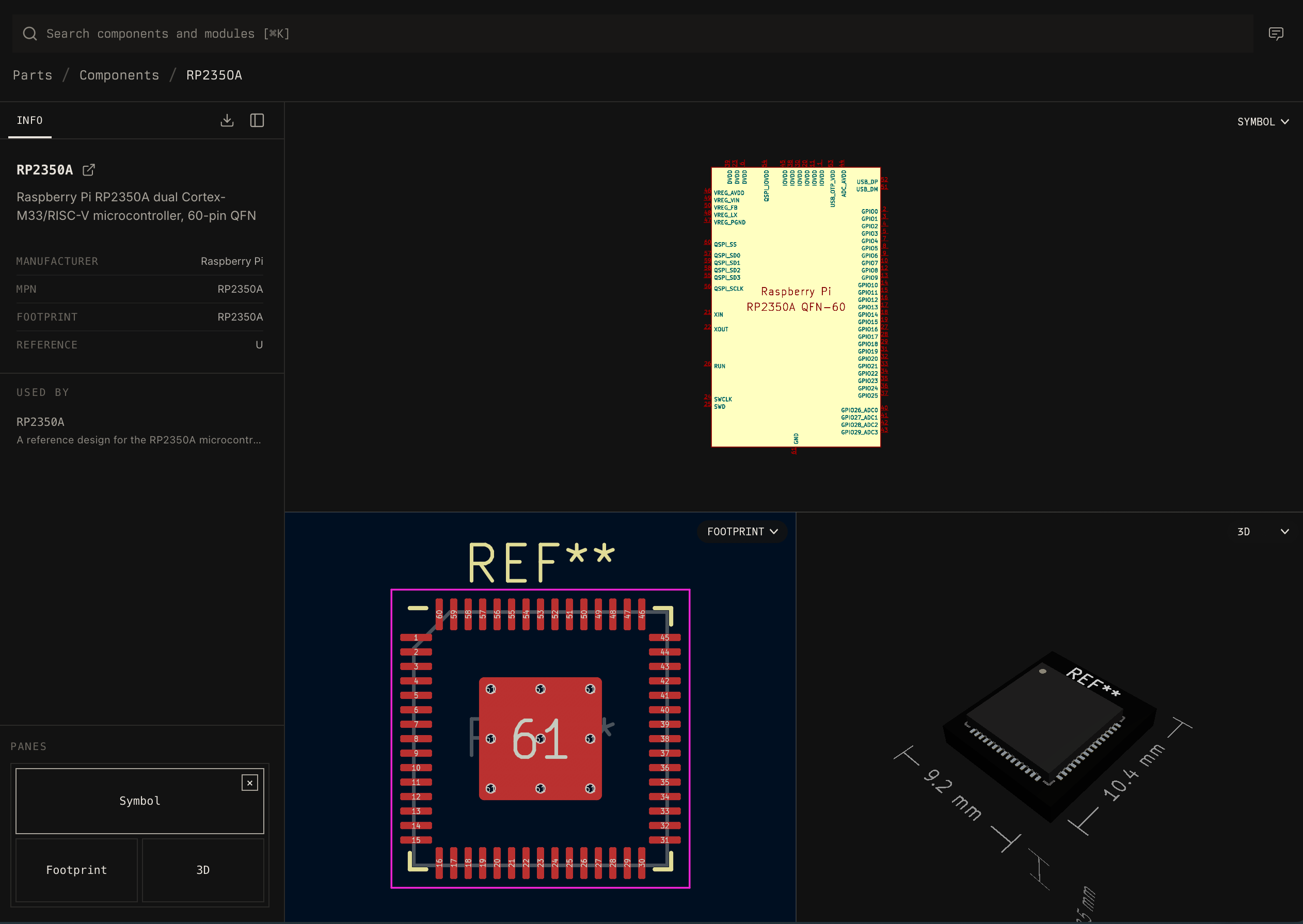
Open Parts in the sidebar, then select one of these views:- Components lists physical parts. A component page can include its symbol, footprint, 3D model, manufacturer part number, sourcing data, and package metadata.
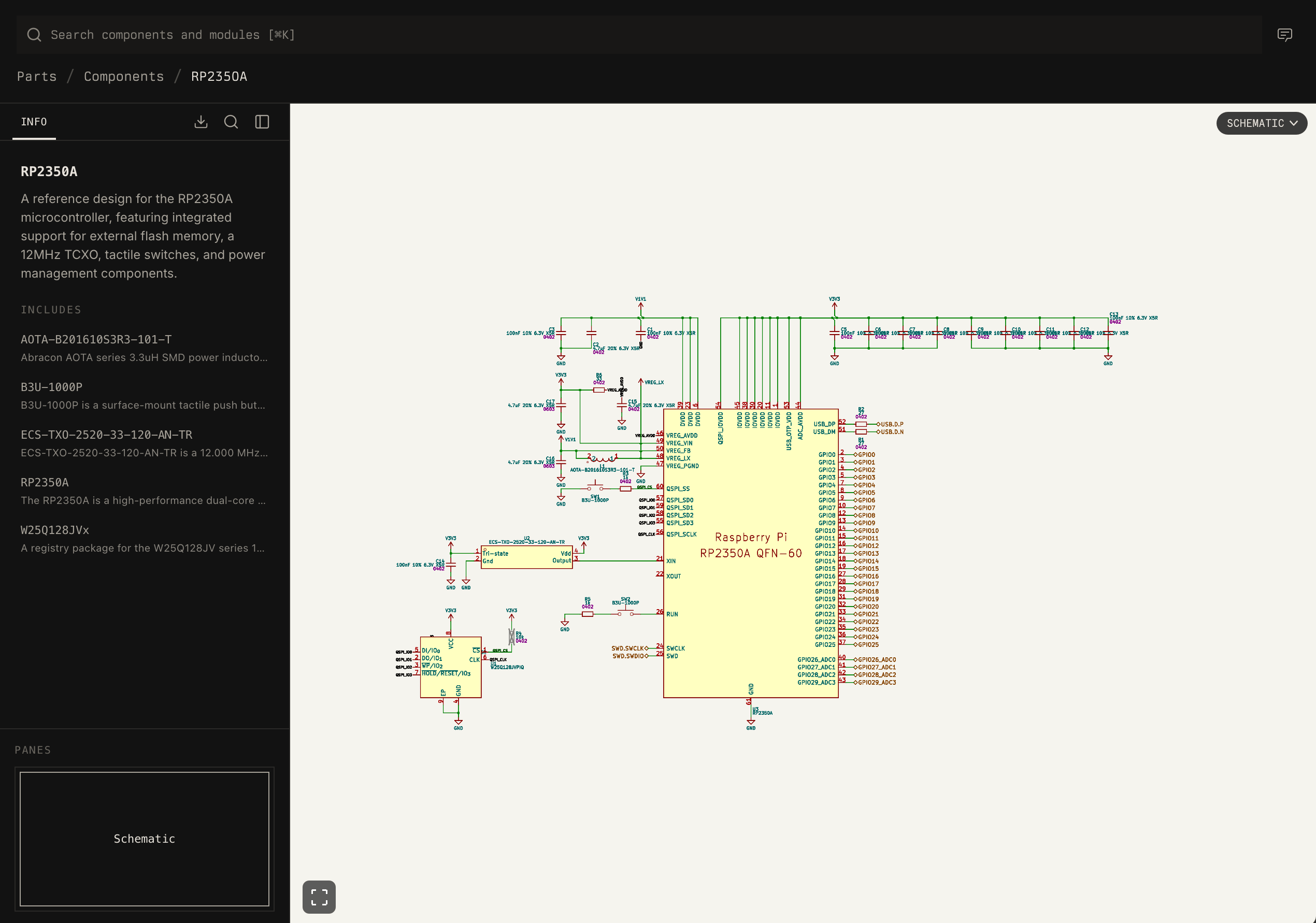
- Modules lists reusable circuits composed from components and other modules. A module page identifies its schematic entry point and package dependencies.
Search
Use the search field to find a component by manufacturer part number or description. Use the chat button when the selection requires comparison or design constraints.Inspect a package
Select a package to open its read-only viewer. The package sidebar reports two dependency relationships:- Includes lists packages required by the selected package.
- Used by lists packages that require the selected package.
Change a package
A sandbox is an isolated branch of the component library in which an agent can edit and validate packages.- Select the plus button beside Sandboxes.
- Create a sandbox for the target registry.
- Describe the required component or module change to the agent.
- Review the generated files and validation results before merging the branch.
TPSM86638RCGR, or state design
constraints, such as a 24 V to 5 V buck converter rated for at least 2 A.